Code view
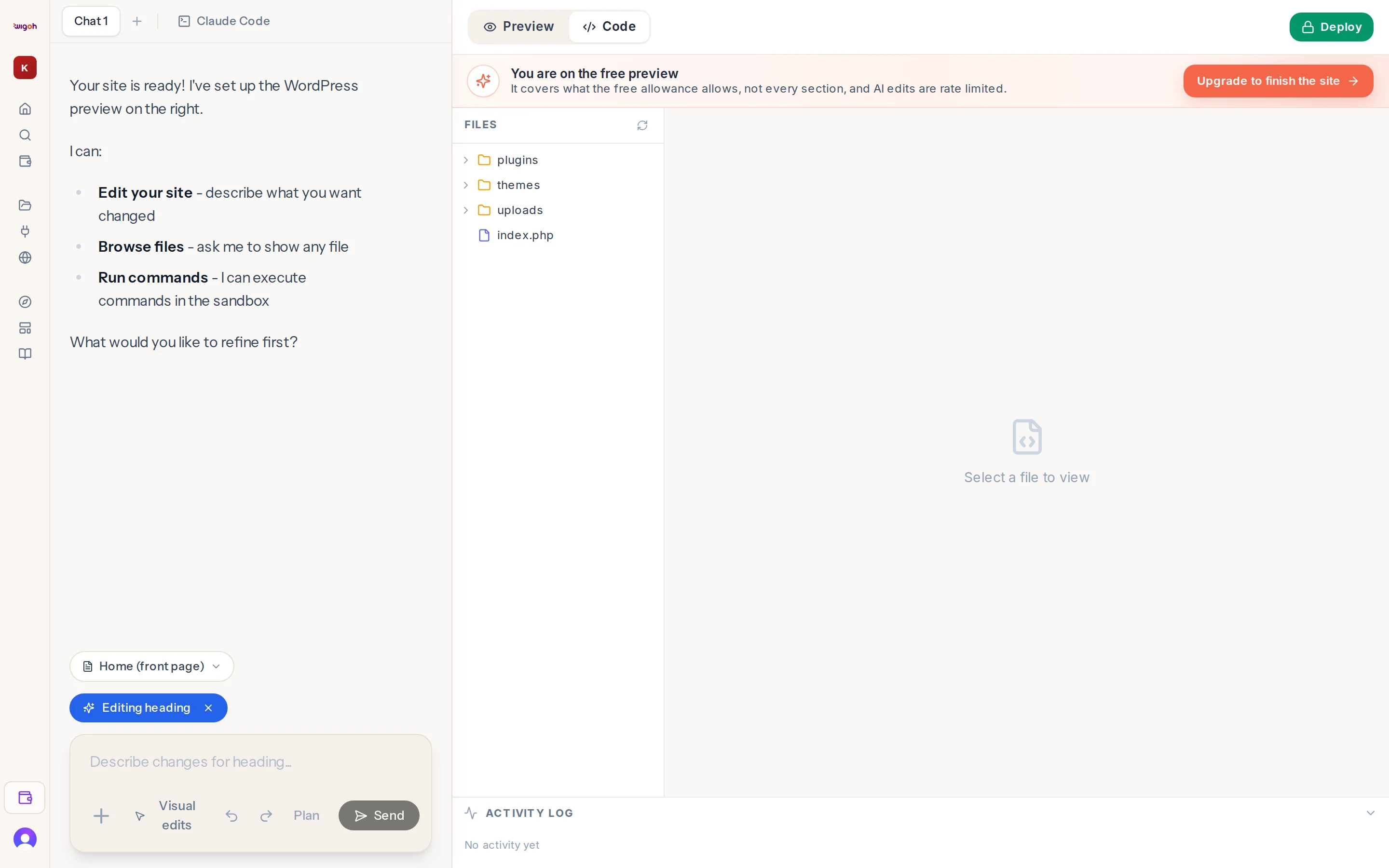
Press Code in the preview toolbar to replace the live preview with a file browser.
Panels
- File explorer on the left: the folders and files of your WordPress installation.
- Code viewer in the centre: the selected file, with a Save action that writes your change back to the site.
- Activity Log along the bottom: the steps the assistant has taken in this session, with timestamps and a running count (3/5 complete, 1 running). Collapse it with the chevron.
Who it is for
People comfortable reading PHP, CSS and JavaScript, or anyone who wants to see what the assistant changed. You do not need it to use Wigoh.
Asking the assistant instead
You can also say "Show me the theme's functions.php" or "Add this CSS to the site: …" and the assistant reads or writes the file for you.
Back to the preview
Press Preview in the toolbar.