Domains overview
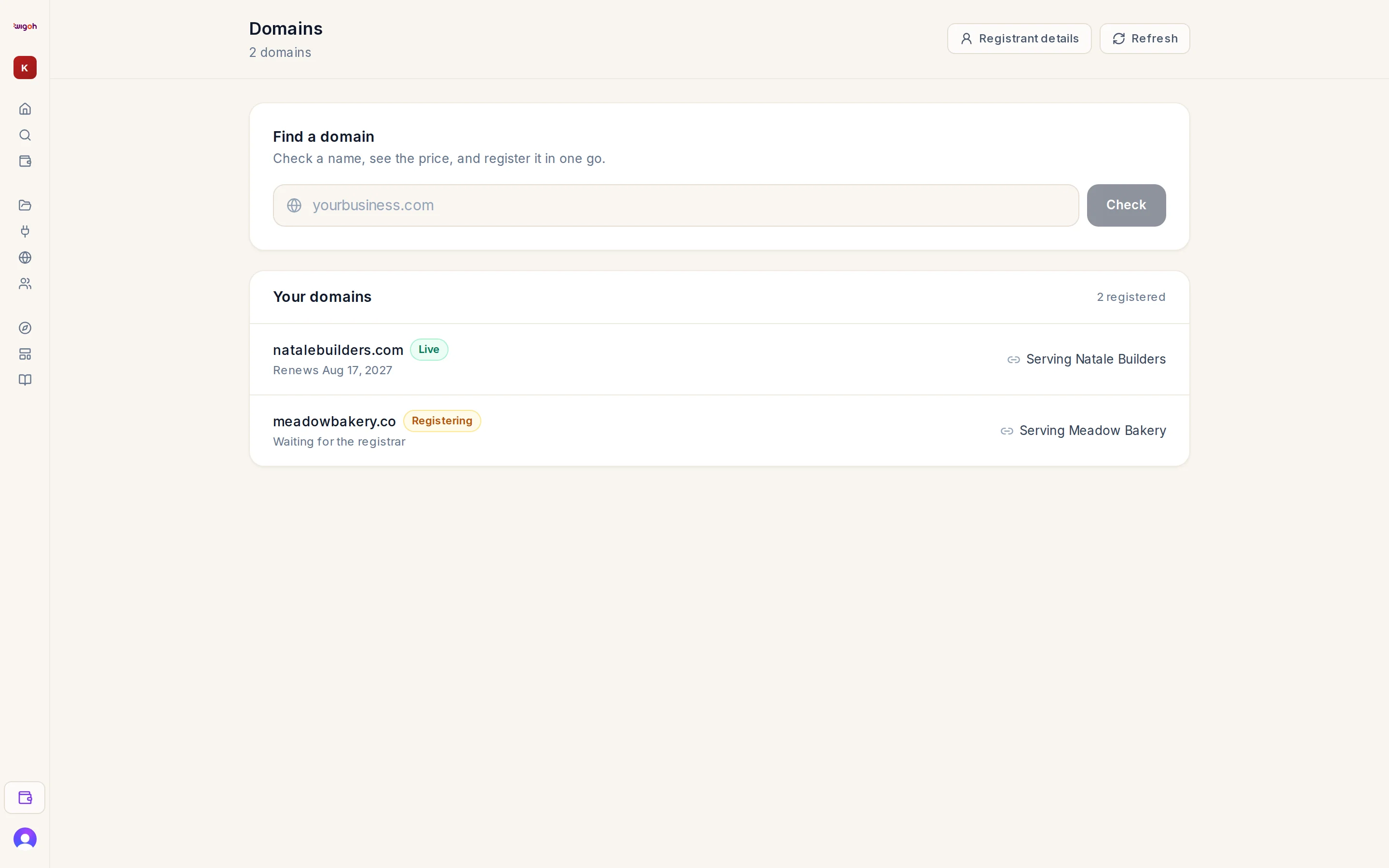
A domain is your site's name on the internet. Wigoh handles three cases.
| You | Do this |
|---|---|
| Want a new domain | Search and buy it in Wigoh, on the Domains page or in the go-live wizard. It is registered for you and attached to a site. |
| Already own a domain | Tell Wigoh the hostname during go-live or on the site's settings page. Wigoh gives you DNS records to add at your provider. |
| Do not want a domain yet | Deploy without one. The site lives on a Wigoh hosting address until you attach a domain. |
The Domains page
Projects → Domains in the sidebar (/workspace/domains). It has a Find a domain search, a Your domains list, and buttons for Registrant details and Refresh.
Where domains show up
- The Domains page lists every domain you have bought through Wigoh, with its status and the site it serves.
- A site's settings page shows the domain attached to that site and the DNS records it needs.
- DNS records for domains bought through Wigoh are managed on the site's settings page.