Wigoh Connect overview
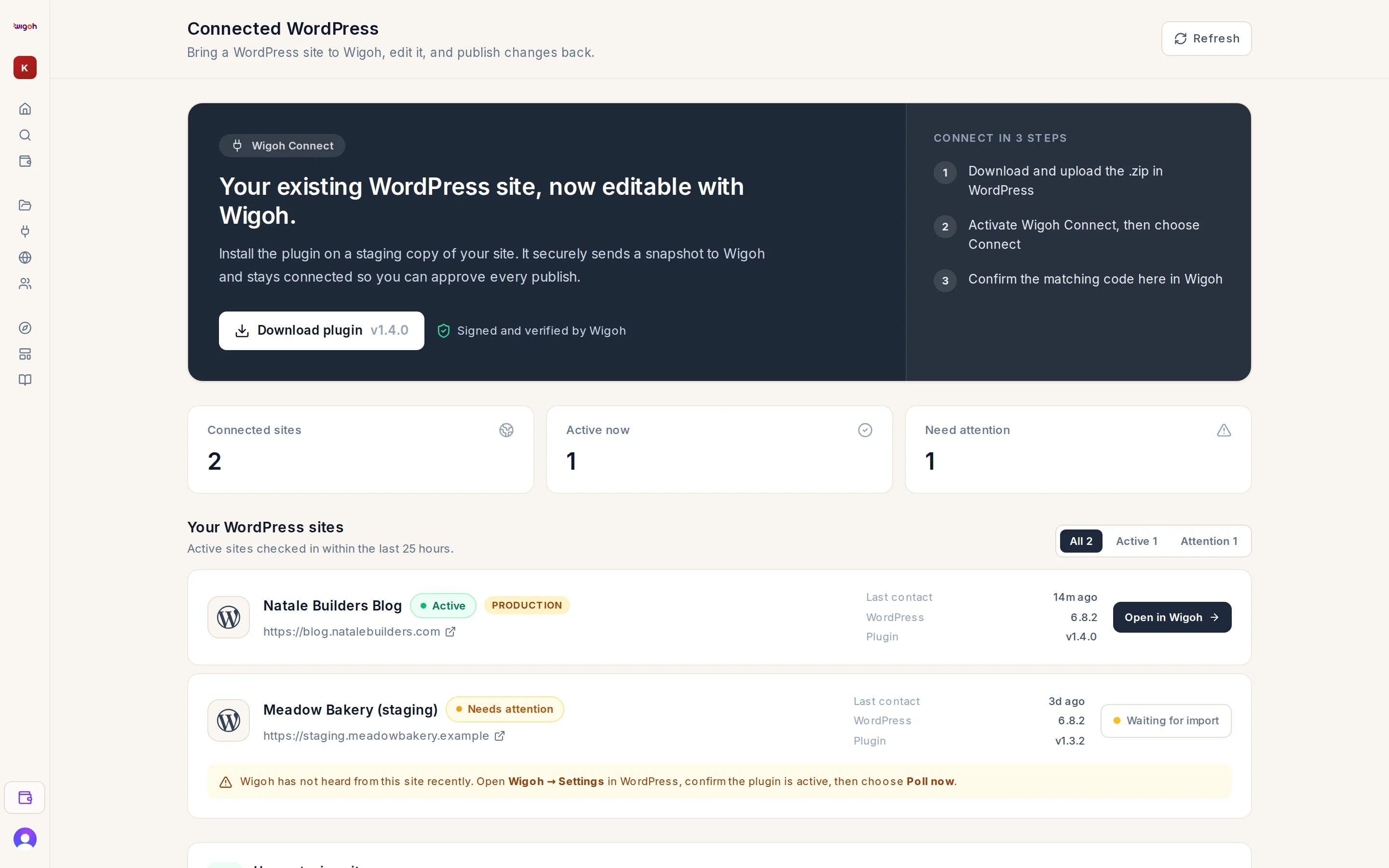
Wigoh Connect is a WordPress plugin. It links a WordPress site you already run to your Wigoh account so that Wigoh can take a snapshot of it, you can edit a copy in Wigoh's editor, and the result is handed back to your site as a release you review and approve inside WordPress.
Nothing changes on your site without an administrator's approval in WP admin.
What the plugin does
- Connect. Generates a key pair for your site, proves control of the site, and links it to your Wigoh account through an approval page where you confirm a six-character code shown in both places. No passwords or API tokens are shared.
- Snapshot. Send to Wigoh exports the database and the
wp-contentfolder and uploads them in resumable chunks, so it works on hosts with short PHP limits. - Import into Wigoh. Wigoh restores the snapshot into a private preview that appears in your workspace. All editing happens there.
- Releases. Publish to my site in Wigoh sends a signed release proposal to the plugin. The plugin compares it with the snapshot and produces a drift report of what changed on the live site since. An administrator approves or declines in WP admin.
- Apply with rollback. The plugin downloads and verifies the release, stages it beside the live site, snapshots the current state, swaps in one short maintenance window, runs a health check, and rolls back automatically if the check fails. You can roll back for 7 days.
- Disconnect at any time. Wigoh revokes the site's key and the plugin destroys its local key.
The plugin warns about live sites
It detects whether your site looks like a staging copy and asks you to acknowledge the risk before connecting a live site. See Staging versus live.