The go-live wizard
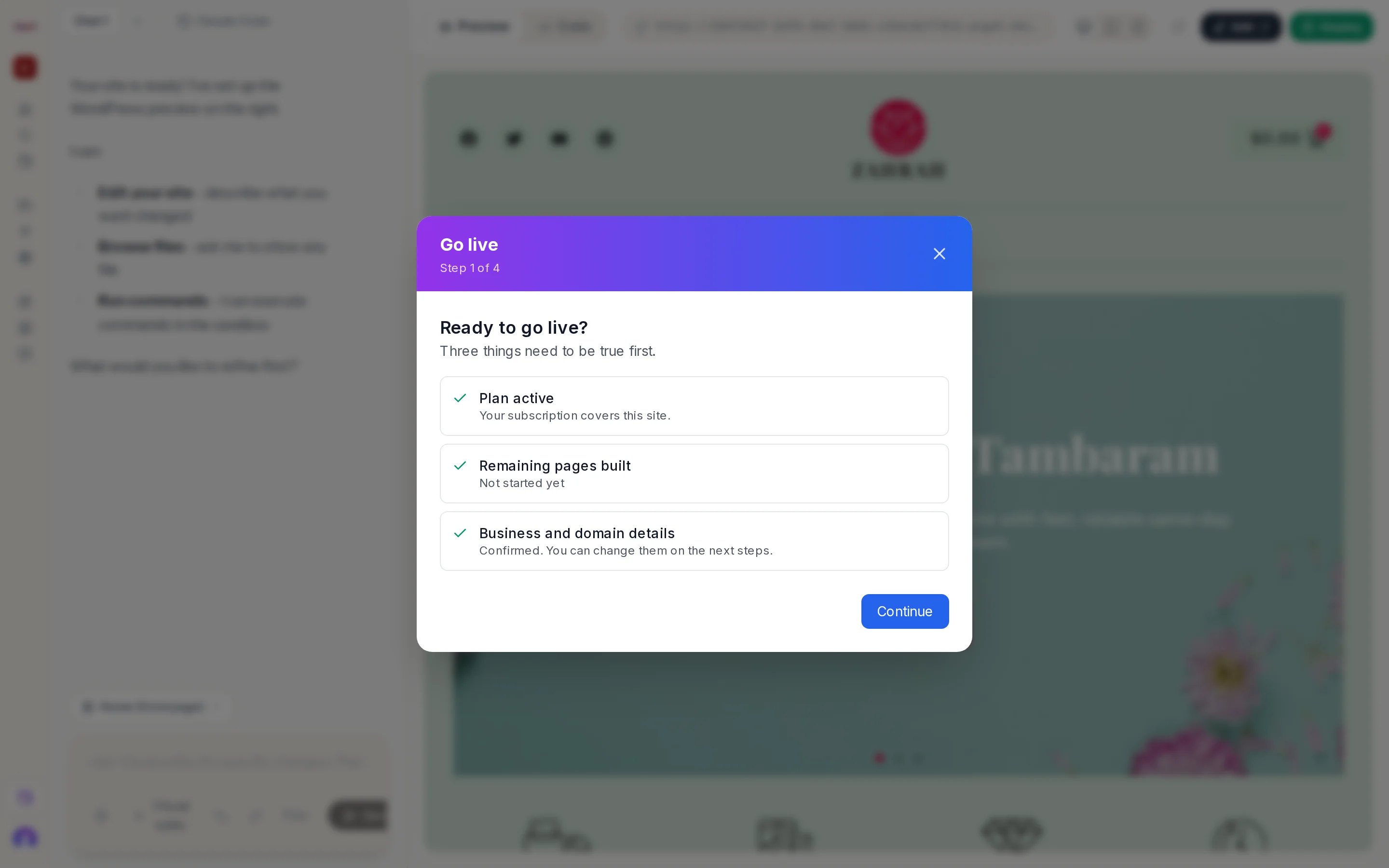
Press Deploy on a paid site. A dialog titled Go live opens with Step N of 4 under the title.
| Step | Question | Page |
|---|---|---|
| 1 | Ready to go live? Three things need to be true first. | Readiness |
| 2 | Which business is this site for? | Business |
| 3 | Do you have a domain? | Domain |
| 4 | Deploy to production | Confirm |
Your answers are saved as you go
Each step is saved when you press Continue. If you leave to buy a domain, or close the dialog, you resume where you were. After a domain purchase the wizard reopens on the confirm step.
Closing
Press ×. Nothing is deployed until you press Deploy to production on the last step.