Deployment progress
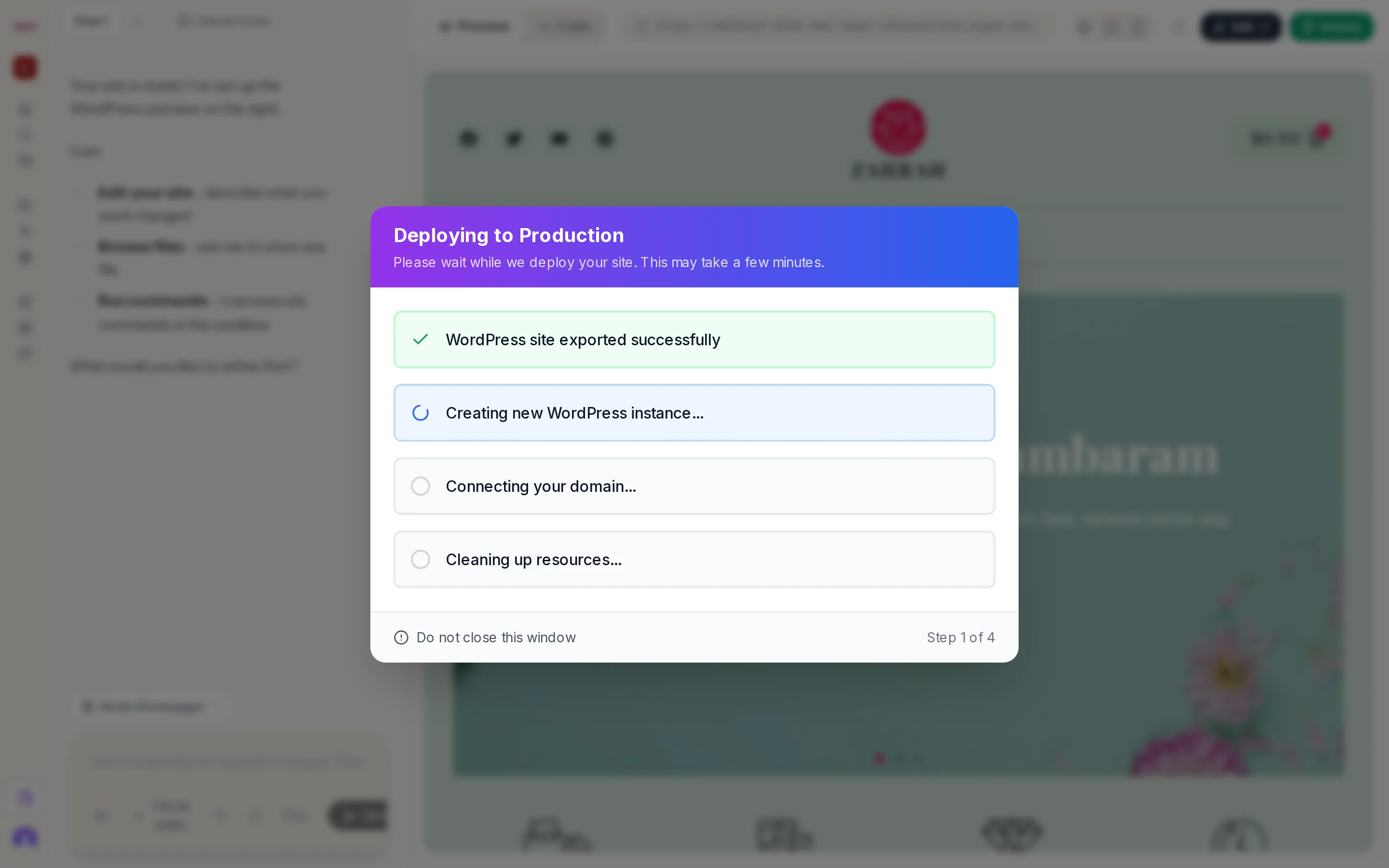
A dialog titled Deploying to Production reads Please wait while we deploy your site. This may take a few minutes. and lists four steps:
- Exporting WordPress site... → WordPress site exported successfully
- Creating new WordPress instance... → WordPress instance created
- Connecting your domain... → Domain step finished
- Cleaning up resources...
A footer reads Do not close this window and Step N of 4.
If it fails
The first step turns red with the reason, for example The site is not ready to deploy yet when a readiness condition changed. Close the dialog, fix the cause, and press Deploy again.
When it completes
The dialog becomes Deployment Successful! See Deployment successful.