The "Ready to go live?" plan chooser
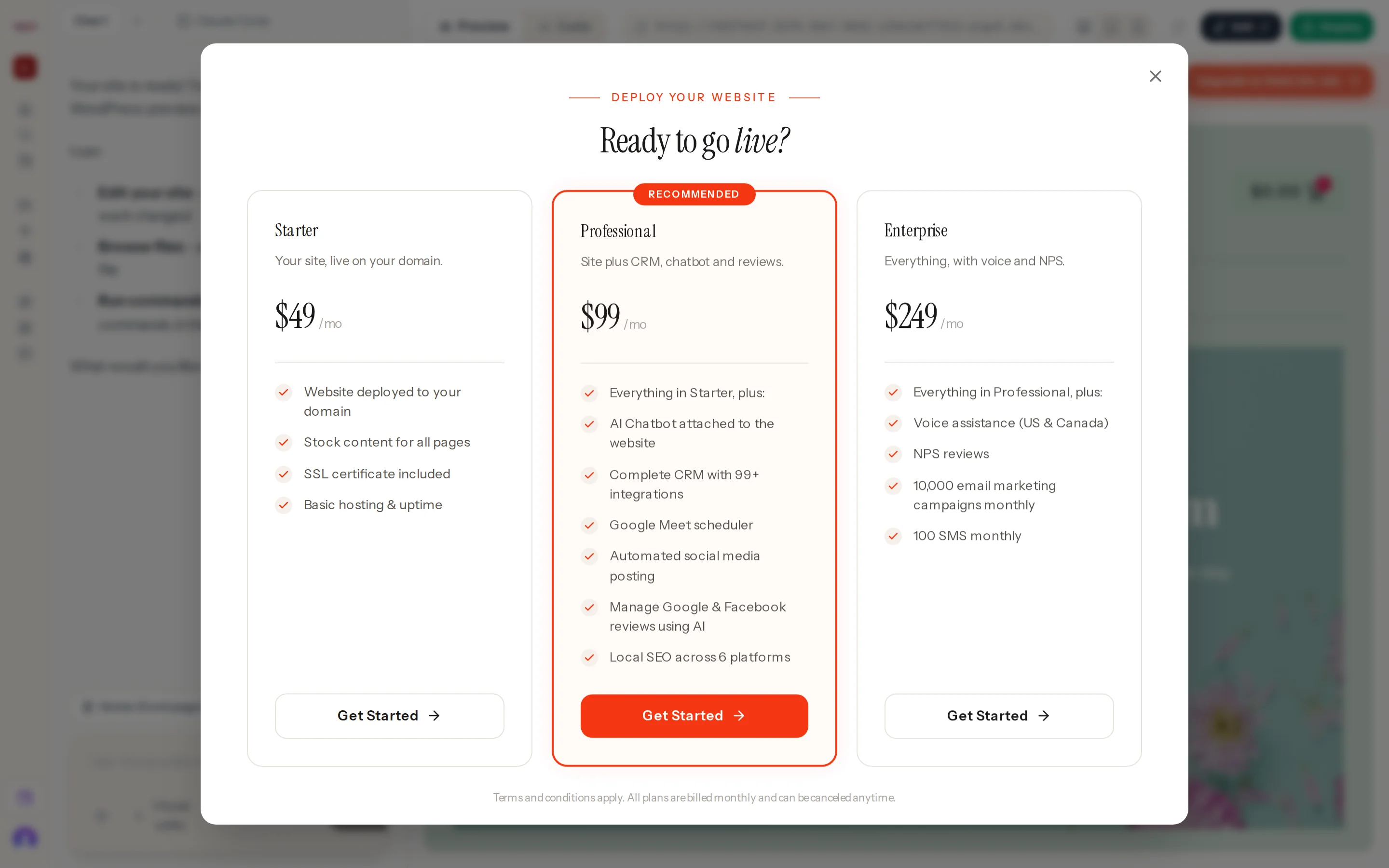
The chooser opens when you press a locked Deploy button, Upgrade to finish the site, Complete Payment on a locked page, or Unlock with a plan on a blurred picture or section. It also opens on its own when a free website's AI credit runs out in the editor, and from Choose a plan in the composer.
What it shows
- The heading Deploy Your Website — Ready to go live?
- On a large site, the Large Site Notice with its agreement checkbox and View Details. See Large websites.
- Three plan cards: Starter, Professional (marked Recommended) and Enterprise. Each shows its name, description, monthly price, feature list and a Get Started button.
- The line Terms and conditions apply. All plans are billed monthly and can be canceled anytime.
Where prices come from
Prices are read live from Wigoh's billing service when the dialog opens. If they cannot be read you see We could not load pricing just now. Please try again in a moment. rather than a stale number. While they load you see Loading plans...
Closing
Press × or click outside the dialog. Nothing is charged.