Resume a session
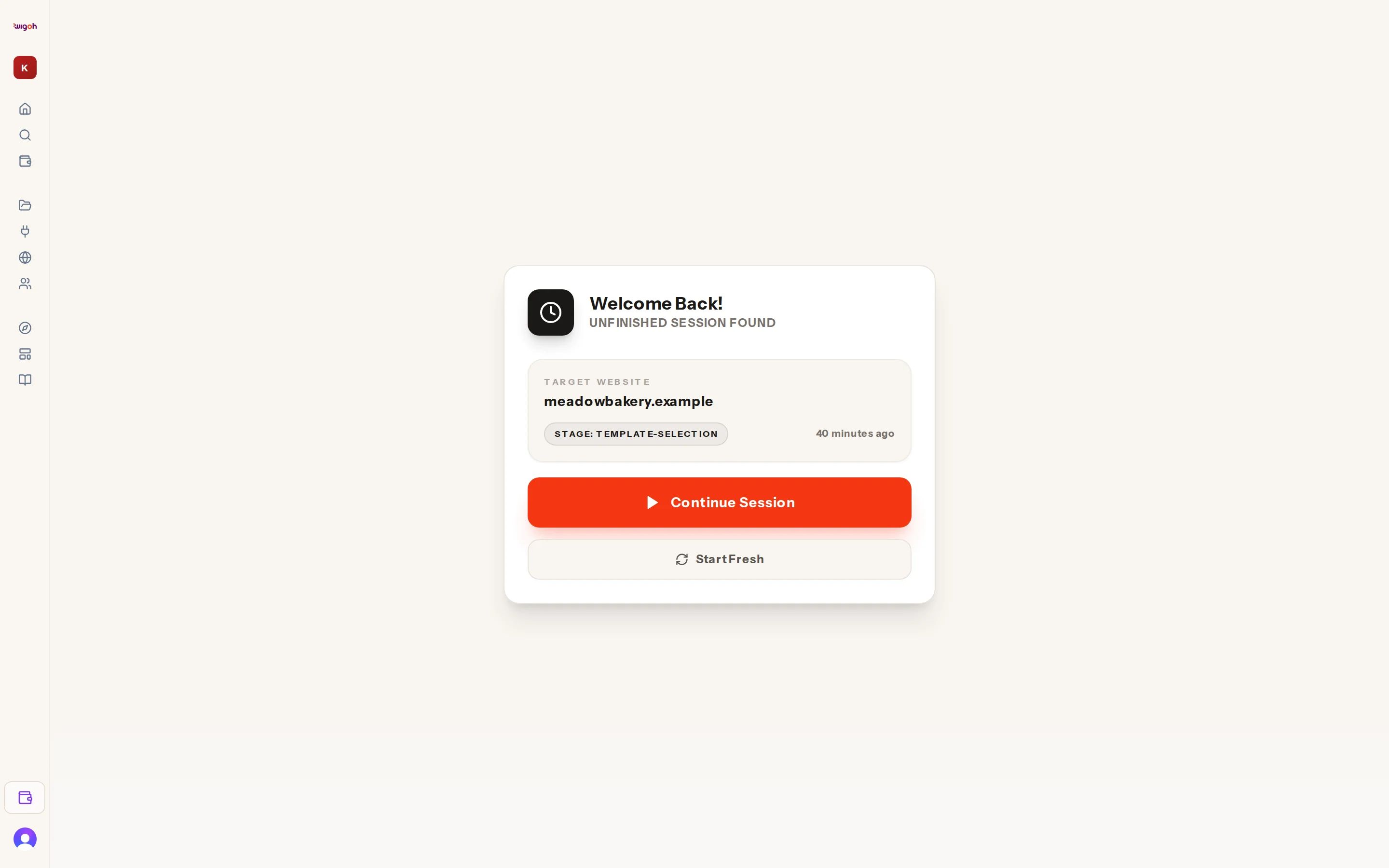
When you open the onboarding page with an unfinished session, Wigoh shows a Welcome Back! card headed Unfinished Session Found.
What the card shows
- Target Website: the address you were working with, or Unnamed Project.
- Stage: the step you had reached, such as choice, template-selection or building.
- How long ago the session was last updated.
Buttons
- Continue Session loads the saved state and puts you back at that step.
- Start Fresh clears the saved progress and creates a new, empty session. The previous project is not deleted; it stays in All projects.
When the card does not appear
- If a build is still running, you skip the card and land directly in the split view with the progress checklist.
- If you arrived with a prompt from wigoh.ai, a new session starts immediately.
- If you open a project from All projects, the address bar carries the project identifier and the session is restored without the card.