Site settings
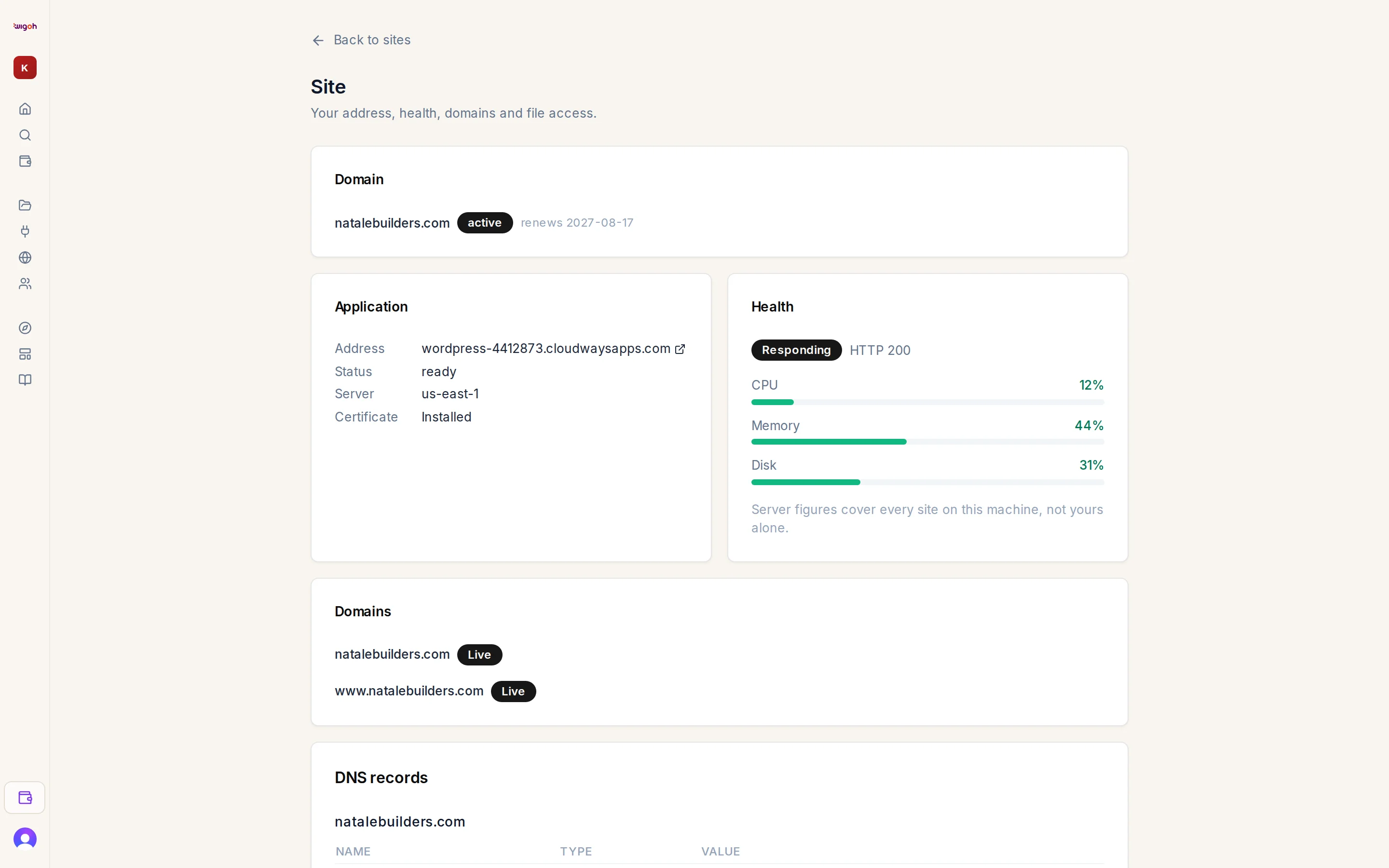
Press the gear icon on a project in All projects to open /workspace/sites/…. The page is titled Site — Your address, health, domains and file access.
Before deployment
A card reads This site is not in production yet. with a checklist:
- Plan active / No active plan
- Remaining pages built / Remaining pages are being built / Remaining pages not built yet
- Business and domain details confirmed / …to confirm
and a link: Open the editor to deploy (or Open the editor).
The Domain card is available before deployment too. See The Domain card.
After deployment
| Card | Contents |
|---|---|
| Domain | The domain serving the site, or an invitation to find one. |
| Application | Address, status, server, certificate. See Application card. |
| Health | Whether the site responds, plus CPU, memory and disk. See Health. |
| Domains | Each connected hostname, its state, and DNS records to add. See Connecting a domain you own. |
| DNS records | The DNS editor for domains bought through Wigoh. See Managing DNS records. |
| SFTP access | Create a file login for the site. See SFTP access. |
Back to sites returns to All projects.