Destroy a sandbox
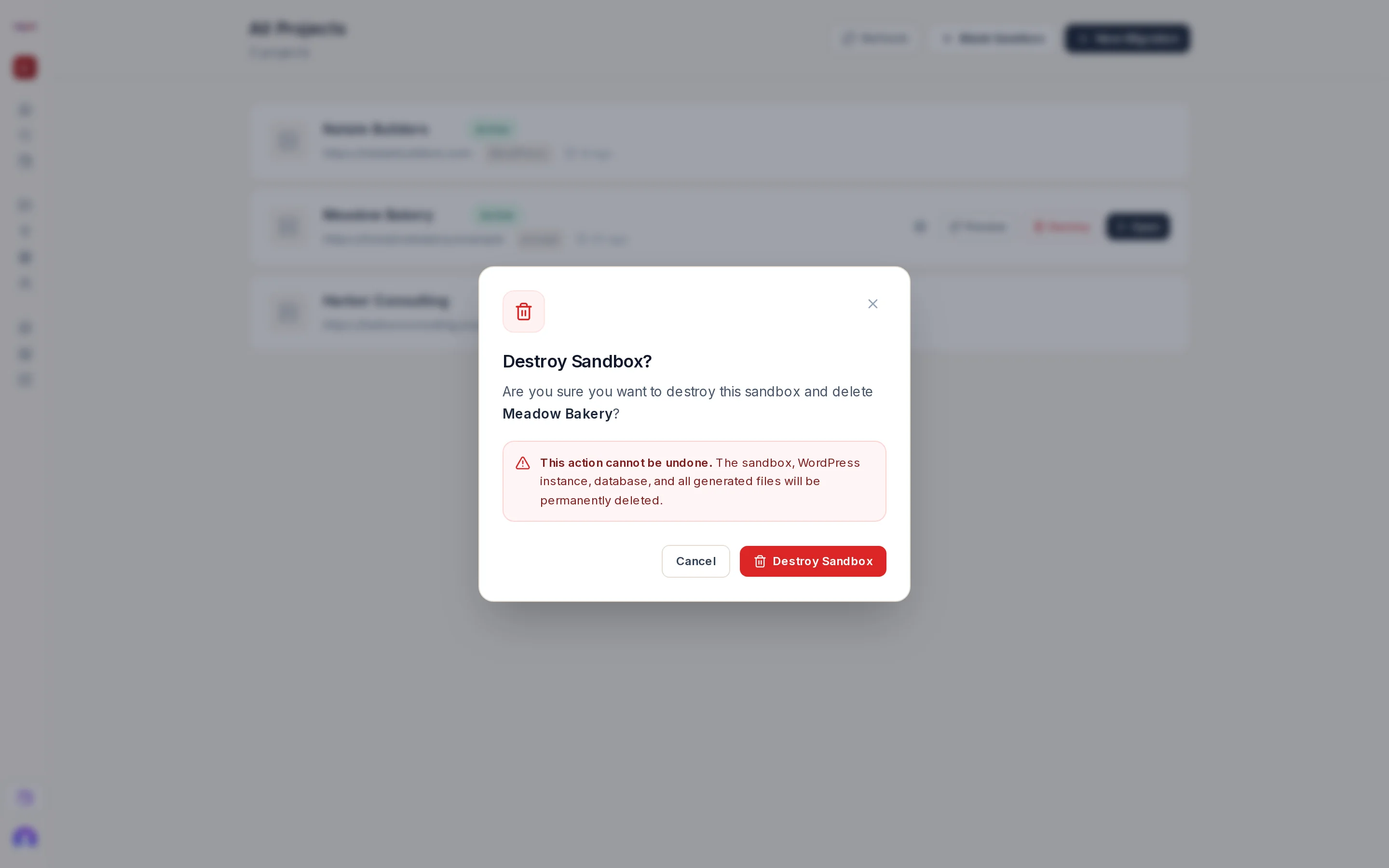
Destroy on a project row opens a confirmation:
Destroy Sandbox? Are you sure you want to destroy this sandbox and delete [project name]? This action cannot be undone. The sandbox, WordPress instance, database, and all generated files will be permanently deleted.
Press Destroy Sandbox to confirm or Cancel (or Escape) to keep it. The row disappears immediately; the deletion completes in the background.
When Destroy is not offered
On a free account the free website shows a Free site badge instead of Destroy: Your free site is kept for 7 days, then archived. Buy it to keep editing. A free account cannot delete the one website it can build. See Account tiers and your free website.
What is deleted
The project's WordPress site, database and files. Chat history saved with the project is not shown afterwards.
What is not affected
- Your account, credits and other projects.
- A plan attached to the website continues until cancelled on the Billing page. Cancel it there if you no longer need it.
- A domain attached to the site remains yours and can be attached to another site.