A tour of the app
The sidebar
Every page in the app has a sidebar on the left. It is collapsed to icons; hover over the strip or click it to expand, and use the close control or click outside to collapse it again. It contains:
- Your workspace name at the top, showing your first name followed by "WIGOH". Clicking it opens a menu with Settings, your credit balance and a Credits never expire note.
- Home takes you to the signed-in home page with the prompt box.
- Search and the Resources entries (Discover, Templates, Learn) are placeholders today and do not open a page.
- Credits opens the credits page.
- Projects: All projects, Connected WordPress, Domains.
- A Credits card at the bottom showing what you have left, used and bought.
- Your avatar at the bottom opens the account menu: Profile, Go to Dashboard, Bonuses, Settings, Appearance, Support, Documentation, Community, Homepage and Sign out.
The pages
| Page | Address | What it is for |
|---|---|---|
| Home | / | Type what you want to build; the same page carries the chat that starts a migration, redesign or build, and the build progress. Signed-out visitors are sent to wigoh.ai instead. |
| Editor | /edit?websiteId=… | Edit a finished site with the AI assistant. |
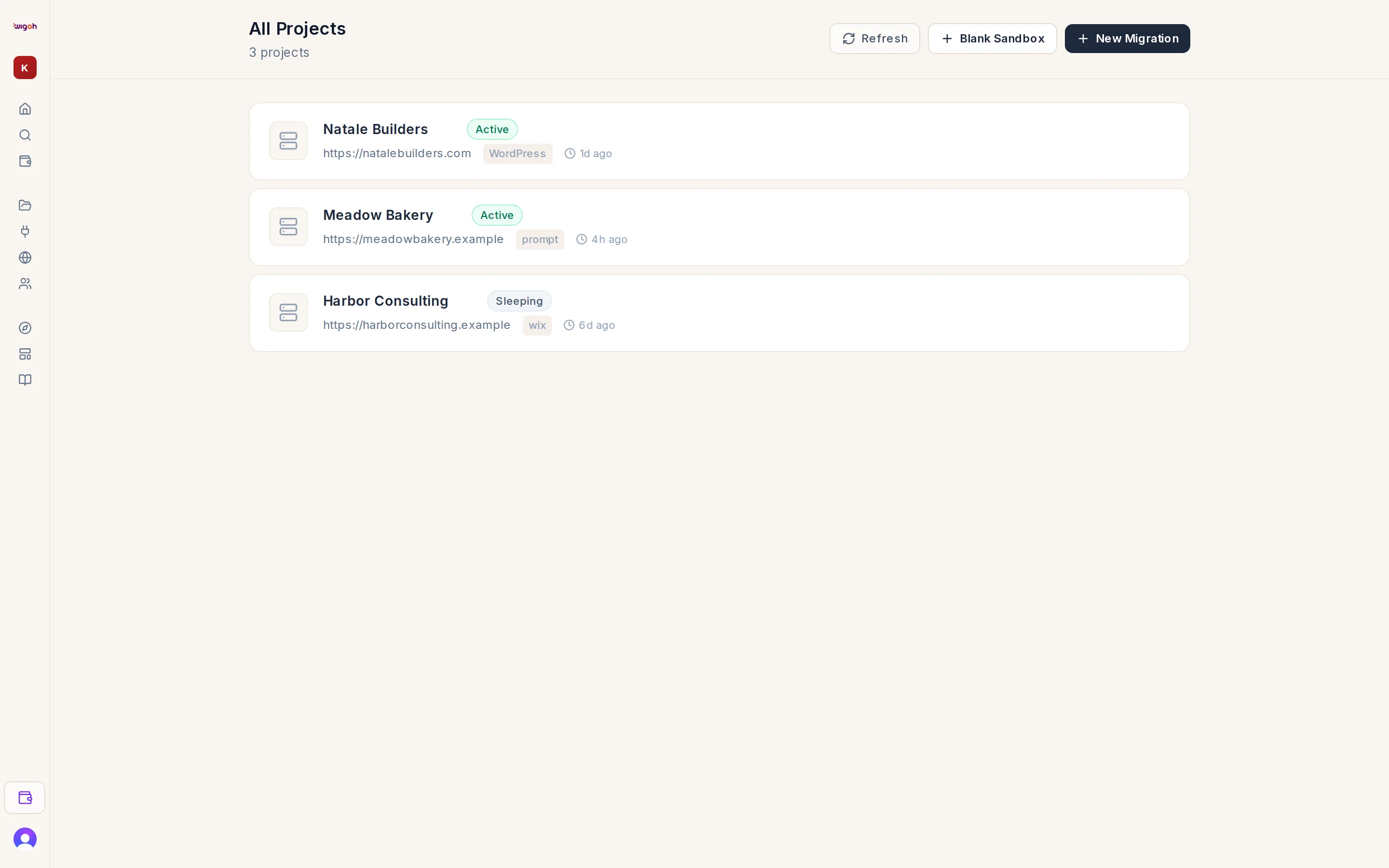
| All Projects | /workspace | Every website you have started. |
| Site settings | /workspace/sites/… | Address, health, domains, DNS records and SFTP for one site. |
| Domains | /workspace/domains | Search, buy and attach domains. |
| Connected WordPress | /workspace/wordpress | Sites linked with the Wigoh Connect plugin. |
| Publish | /workspace/publish/… | Progress of a release to a connected WordPress site. |
| Bonuses | /workspace/bonuses | Rewards on your account. |
| Usage | /settings/usage | Your AI usage history. |
| Credits | /settings/credits | Your balance, top-ups and transactions. |
| Billing | /settings/billing | Your plans and when they renew. |
| Community | /community | Questions and discussions with other users. |
| AI Website Builder | /build | A public page describing the build-from-scratch path, with its own prompt box. |
Settings navigation
The Usage, Credits and Billing pages share a top bar with four links: Projects, Usage, Credits and Billing.